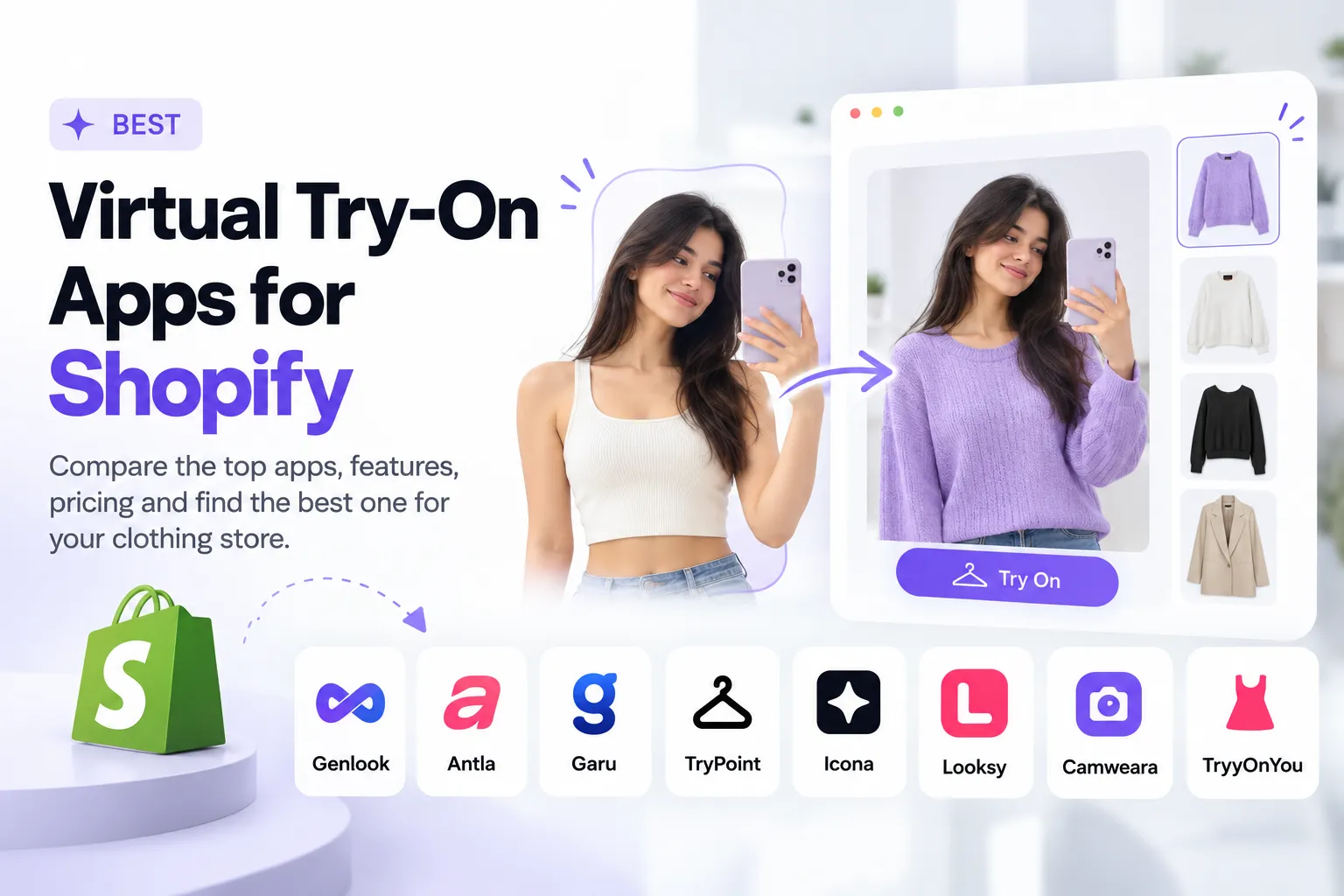
Disclosure: we make TryyOnYou, one of the apps in this comparison. It gets its own section at the end, and we describe the limits of every app, ours included. Prices and review counts were checked in October 2026 and change often, so confirm them on each listing before you decide.
#Virtual try-on apps for Shopify clothing stores at a glance
| App | Best for | Free plan | Paid plans from | Cost per included try-on | Shopify reviews |
|---|---|---|---|---|---|
| TryyOnYou | Modest, ethnic and occasion wear (abayas, sarees, kurtis) | Yes, 15 try-ons a month | $19 for 150 try-ons | about $0.10 to $0.13 | New, no public reviews yet |
| Genlook | Established all-round option | Yes, 10 try-ons a month | $19.99 for 100 try-ons | about $0.10 to $0.20 | 5.0, around 40 |
| Antla | Marketing and sharing features | No, 7-day trial | $19.99 for 100 try-ons | about $0.10 to $0.20 | 5.0, 60+ |
| Garu | Try-on plus a size recommendation | Yes, 25 try-ons a month | $199 for 800 try-ons | about $0.16 to $0.25 | Newer app, check listing |
| TryPoint | Pay-as-you-go fashion try-on | Yes, 20 try-ons in total | Usage-based | Varies | 5.0, around 13 |
| Icona | Try-on with analytics and popups | Yes | Credit-based | Varies | 5.0, around 13 |
| Looksy | Outfit bundles and many languages | Yes, allowance unclear | Varies by plan | Varies | 4.0, 7 |
| Camweara | Live AR across product types | No | $39 a month | Not published per try-on | 5.0, 60+ |
Cost per included try-on is the plan price divided by the try-ons it includes, before any overage fees. It is a rough way to compare plans, not a quote.
#How we compared them
This guide is based on public pricing pages, Shopify App Store listings, vendor websites and independent write-ups such as Digismoothie's comparison. We did not load-test every app on a live store, so treat the ratings as public signals, not our own benchmark scores.
We looked at:
- Whether the app generates a realistic image of the shopper or a flat overlay
- What the free plan really includes
- Price per try-on and what happens when you go over your limit
- How long a try-on takes
- Whether it helps shoppers choose a size
- How shopper photos are stored and for how long
- Language support, including right-to-left languages
- Analytics and marketing integrations
- Track record: app age, reviews and support
One caution on reviews. Most of these apps are under two years old, and several of their 5.0 ratings come from stores that had used them for only days. A 5.0 from 13 reviews is an early positive signal, not proof.
#The best virtual try-on apps for Shopify clothing stores
1. TryyOnYou: best for modest, ethnic and occasion-wear stores
Best for: abayas, sarees, kurtis, lehengas, kaftans and other long, layered or draped garments, sold by stores in the UAE and India.
Many try-on apps are tuned on everyday Western fashion like tees, jeans and simple dresses. Long sleeves, flowing fabric, dupattas and layered pieces are harder, and they are the core catalog of the stores we built TryyOnYou for. [Insert 6-10 real before/after examples here.]
Shoppers upload a photo and see themselves wearing the product in about [X] seconds. Photo handling: [photo retention sentence].
Plans:
- Free: 15 try-ons a month
- Starter: $19 a month for 150 try-ons
- Growth: $49 a month for 500 try-ons
- Pro: $149 a month for 1,500 try-ons
We are a small team that changes the product directly, and you can see what we shipped and when on our changelog. We also set stores up with you personally. [Keep these two sentences only if both are true.]
Watch out for: we are new. We have no long review history and no Built for Shopify badge yet, and we do not offer size recommendations or live AR. For an everyday Western fashion catalog, test us alongside Genlook. Try the demo or start on the free plan.
2. Genlook: best free starting point
Best for: stores that want to test try-on at no cost before paying.
Genlook is a Built for Shopify app that installs as a theme app embed, so there is no theme code to edit. Its pricing page lists a free plan with 10 try-ons a month, then $19.99 for 100, $29 for 250 and $99 for 1,000. Extra try-ons are billed at $0.17, $0.12 and $0.10 on those paid plans. Paid plans add analytics and shopper email collection, Growth removes Genlook branding, and Pro adds Klaviyo and custom integrations. Genlook says most try-ons finish in under 10 seconds and that shopper photos are deleted after 7 days.
Watch out for: the photo result shows how a garment looks but does not recommend a size. The free allowance is small, and overage fees add up as traffic grows.
3. Antla: best for sharing and marketing workflows
Best for: brands that want try-ons to double as marketing content.
Antla's signature feature is a share-for-discount loop. After a try-on, shoppers can earn a coupon for sharing the result, which turns try-ons into social posts. It works alongside your size chart and connects with Klaviyo, Attentive and Postscript. Published plans start at $19.99 a month for 100 try-ons and $49.99 for 500. A top tier of around 2,000 try-ons is listed at $199.99 or $299.99 depending on which listing you read. There is a 7-day trial but no free plan. See the Antla listing.
Watch out for: costs scale with usage, the admin and docs are mainly in English, and independent reviewers note that its privacy policy gives no concrete photo-retention period. Several of its five-star reviews also come from very new users.
4. Garu: best if you also want a size recommendation
Best for: stores whose main return reason is "wrong size."
Garu pairs a try-on with a size recommendation. The shopper enters details such as height and weight, the app combines them with your size chart to suggest a size, and it renders the garment on their photo from the front and back. Garu's own site lists a free plan with 25 try-ons a month, $199 a month for 800 and $399 for 2,500. That is the highest cost per try-on in this list.
Watch out for: it launched in 2026, so the track record is short. Asking shoppers for body details adds a step, and you should check the size logic on your own garments. Statistics on Garu's own site are vendor claims, not independent data.
5. TryPoint: pay-as-you-go option
Best for: fashion stores that prefer paying for what they use.
TryPoint is Built for Shopify and, according to its listing, runs on Google's AI models. It has a free entry plan with 20 try-ons in total, then pay-as-you-go pricing. It includes email capture, feedback, sharing and permission-based user-generated content. See the TryPoint listing.
Watch out for: 20 free try-ons is enough for a quick test only. Usage fees can grow at volume, and independent reviewers flagged conflicting statements about photo retention, so ask before launching.
6. Icona: try-on with analytics and popups
Best for: stores that want analytics and popup triggers inside the try-on app.
Icona is Built for Shopify with a free plan and 7-day trials on paid plans. It covers apparel and accessories and includes analytics, email capture and popup triggers. See the Icona listing.
Watch out for: credit limits and overage fees make costs rise with engagement. It is English only, and one independent reviewer found that the developer's pricing page did not match the Shopify listing, so rely on the listing.
7. Looksy: outfit bundles and many languages
Best for: stores that want bundles, outfit building and wide language support.
Looksy offers outfit building, bundles, size help, more than 40 languages and Klaviyo and Shopify Flow integrations. It has a free plan, and live video is limited to its top plan. See the Looksy listing.
Watch out for: it holds 4.0 stars from 7 reviews, including one report of frequent disconnections. Sources disagree on the free allowance, and it asks for broad store permissions.
8. Camweara: live AR across product types
Best for: stores that sell jewelry, eyewear or accessories alongside clothing.
Camweara covers jewelry, eyewear, watches, apparel and shoes, with live camera and photo modes, and it supports 2D images and 3D GLB files. Plans start at $39 a month and there is no free plan. Reviewers regularly praise its support. See the Camweara listing.
Watch out for: the listing is English only, and catalog preparation can take real work. For clothing, test how garments drape on your own catalog before you pay.
#Where TryyOnYou fits
TryyOnYou is our app. It adds a Try On button to your product pages. Shoppers upload a photo and see themselves wearing the product, typically in about [X] seconds. Photo handling: [photo retention sentence].
Plans:
- Free: 15 try-ons a month
- Starter: $19 a month for 150 try-ons
- Growth: $49 a month for 500 try-ons
- Pro: $149 a month for 1,500 try-ons
Why you might choose us: the free plan lets you test on your own products at no cost. The entry plan includes more try-ons than the $19.99 plans above, and you can reach the founders directly. We are focusing on modest, ethnic and occasion-wear stores in the UAE and India.
Why you might not: we are new. We have no long review history and no Built for Shopify badge yet. TryyOnYou shows how a garment looks on the shopper and does not give a size recommendation or live AR.
Want to see how it handles your catalog? Try the demo or start on the free plan.
#Other apps you will see in these lists
Newer clothing try-on apps with few or no reviews:
- Fittly combines try-on and a size guide. According to its own comparison page it costs $9 a month plus $0.22 per try-on.
- Etryon has a free plan with 10 try-ons a month.
- Torziva has a free plan with 10 try-ons a month.
- STILARO offers 30 free try-ons a month and paid plans from $33.
- Tryvio starts at $39.99 for 200 try-ons, launched in June 2026 and has no reviews yet.
- Lookify is rated 5.0 from 4 reviews.
Apps built for other categories:
- Fittingbox for eyewear
- Banuba and Gleame for beauty
- Kivisense for shoes
Treat prices from other vendors' pages as approximate.
#Photo try-on, size recommendation or 3D avatar: which do you need?
Most Shopify try-on apps for clothing work in one of three ways.
- Photo-based try-on takes the shopper's photo and a product image and generates a picture of them wearing it. It answers "how will this look on me?" Most photo-based apps then show your normal size chart rather than computing a size.
- Size recommendation uses measurements or a short quiz to suggest a size. It answers "which size should I order?" but doesn't show the garment on the shopper.
- Avatar-based try-on builds a 3D model from the shopper's measurements. It can feel precise, but it asks for more effort from the shopper and the result looks less like them.
If your returns come from "it didn't look right," start with photo try-on. If they come from "wrong size," add sizing help, either through an app like Garu or a good size chart.
#Do virtual try-on apps actually reduce returns?
Returns are a real cost. The US National Retail Federation reported that 15.8% of retail sales were returned in 2025, about $849.9 billion, and 19.3% of online sales (as reported by PYMNTS).
Large retailers are investing in try-on. Google expanded its try-on tool to more countries in October 2025, Perplexity launched its own tool in November 2025, Zara rolled one out in late 2025, and ASOS reported a 160 basis-point drop in its return rate, partly from try-on experiments with Aiuta.
The same report notes that no platform has published a definitive return-rate reduction attributed only to virtual try-on. So treat any "30% fewer returns" claim from an app vendor as marketing. The reliable approach is to measure your own store, as the test plan below describes.
#How to test a virtual try-on app in two weeks
- Duplicate your theme and install the app on the copy, not your live store.
- Pick 10 products that vary in category, color, pattern and length.
- Test with photos of different body types, skin tones, poses and lighting, including ordinary phone selfies.
- Check speed and layout on a real phone.
- Compare each result with your product photo for color, pattern, sleeves, length and logos.
- Read the pricing closely: what the plan includes, what happens at the limit, and what overage costs.
- Check privacy: how long photos are kept, whether they train AI models, and where they are processed.
- If you sell in the Middle East or India, check Arabic or Hindi support and right-to-left layout.
- After going live, track for at least 30 days: try-on rate, add-to-cart rate for try-on users versus others, returns on tried-on products, and revenue per visitor.
#Which app should you choose?
- Smallest budget: start with a free plan from Genlook, TryyOnYou or TryPoint and test on your own products.
- Marketing and user-generated content: Antla.
- Mostly "wrong size" returns: Garu, or pair a size-chart app with any try-on app.
- Accessories or live AR: Camweara.
- Bundles and many languages: Looksy, with careful reliability testing.
- Modest wear, abayas, sarees, kurtis or lehengas: TryyOnYou is built for these catalogs. Test it next to one other app on your hardest products.
#Frequently asked questions
What is the best virtual try-on app for clothes?
There is no single best app for every store. For modest, ethnic and occasion wear in the UAE and India, we built TryyOnYou for those catalogs. For everyday Western fashion, Genlook has the longest track record, Antla suits marketing-focused brands, and Garu suits stores that want sizing. Test two or three on your own products before paying.
What are the best apps for a Shopify clothing store?
Beyond try-on, most clothing stores add a size chart or size-finder app, a reviews app with fit feedback, a returns and exchanges app, and email or SMS marketing such as Klaviyo.
Are there free virtual try-on apps for Shopify?
Yes. Free plans include Genlook (10 try-ons a month), Etryon and Torziva (10), TryyOnYou (15), TryPoint (20 in total), Garu (25) and STILARO (30). Free plans are meant for testing, not for a busy store.
How much do virtual try-on apps cost?
Published entry plans run from about $9 to $40 a month. Mid-range plans are around $49 to $99, and premium plans with sizing reach $199 to $399. Per included try-on, most published plans land between $0.10 and $0.25.
Do virtual try-on apps reduce returns?
Evidence is early and mixed. Large retailers are adopting the technology, but no platform has published a return reduction attributed only to try-on. Measure your own results over at least 30 days.
Which brands use virtual try-on?
Google (in its shopping tools), Zara, ASOS, which tested it with Aiuta, and Perplexity have all launched or tested try-on features, according to PYMNTS reporting.
Does virtual try-on tell shoppers their size?
Most photo-based apps do not. They show the render next to your size chart. A few apps, such as Garu, add a size recommendation.
We update this guide as prices and features change. Spot something out of date? Contact us and we will fix it.